Photos & frames
Set dimensions for your frames or photo paper, then arrange several photos together.
Actual-size photo layout tool
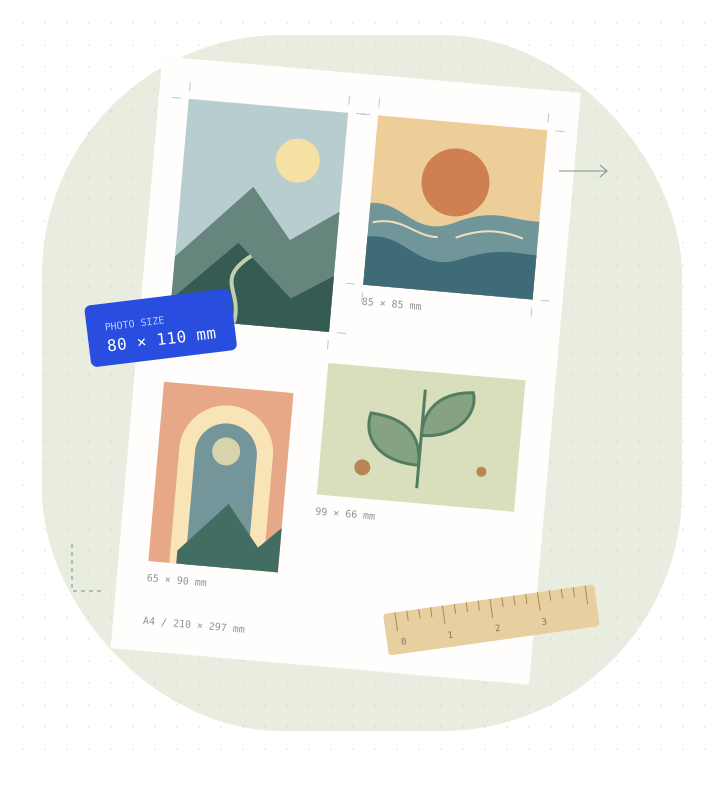
Set photo dimensions in centimeters, millimeters or inches in your browser, arrange multiple photos on a sheet, and export a PDF.
Open in your browser. Edit and export without signing in.
What will you make?
Set dimensions for your frames or photo paper, then arrange several photos together.
Make room in your journal for travels, everyday moments and favorite images, arranged on one sheet.
Start with a featured layout and adjust dimensions, cropping and margins for your cards and labels.
How it works
Choose your photos, or begin with a featured layout.
Choose your paper size, set photo dimensions in centimeters, millimeters or inches, then adjust positions and cropping.
Print at actual size or 100%. Check the size with a 50 mm test line first.
FAQ
Printing guides
Three guides in Simplified Chinese, with original diagrams and sources.
Why does a 20 × 40 mm photo print smaller? Check the photo frame, PDF paper size and print scaling with a 50 mm ruler.
Read guide (Chinese) →4×6 inches is 101.6 × 152.4 mm; A6 is 105 × 148 mm. Understand aspect ratios, cropping and paper choices before printing.
Read guide (Chinese) →Use six 30 × 40 mm photos to learn local layout, cropping, A4 PDF export and reusable templates, with notes on drafts and printing.
Read guide (Chinese) →Open the studio and start with a photo.